Introducing Expense Report & Fork+Edit functions
Finally, Sam has no more excuse not to pay me my expenses (ok, I was the one being lazy here)


Samuel ROY & Olivier Legris
November 28, 2025


Hey everyone,
We all hate doing expense reports, right? The tedious data entry, the endless categorization, the back-and-forth with accounting – it's a productivity killer.
Not anymore with Alter.
Introducing Expense Reports: Automation That Actually Works
Managing expenses just got dramatically simpler. Here's how it works:
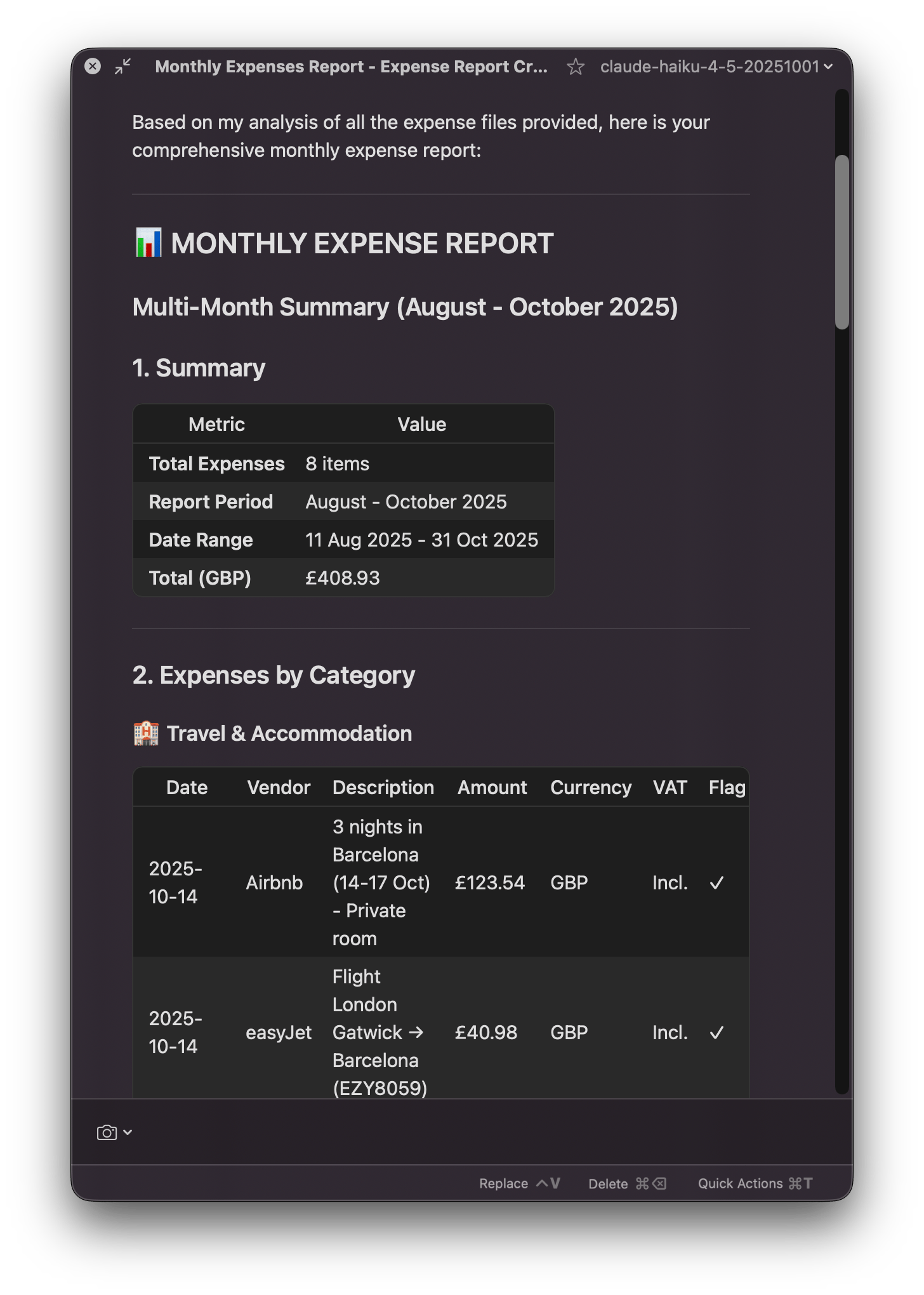
Drag & Drop Your Receipts: Simply drag your expense folder into Alter
Invoke the Action: Click the monthly expense report action
Customize or Auto-Generate: Specify your reporting month or let Alter generate it automatically
Get Your Report: Receive a beautifully formatted expense summary in seconds
Generate the email: Provide a recipient and Alter will craft a beautiful, organized email
But here's where it gets even better – we've added two game-changing features that transform how you work with AI-generated content.
Meet Fork: Compare & Experiment
Ever wanted to see how different AI models handle the same task? Now you can.
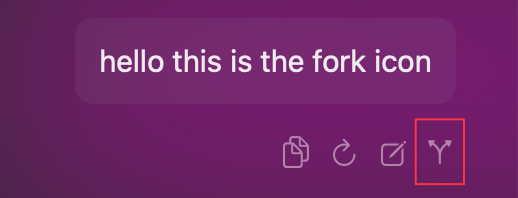
Fork allows you to duplicate any Alter conversation and run it with a different model side-by-side. Perfect for:
Comparing output quality between models
Testing different approaches to the same problem
Experimenting without losing your original work
Just click on the Fork icon, choose your model, and explore.
Meet Edit: Take Control of Your Output
AI-generated content is powerful, but sometimes you need to fine-tune it. That's where Edit comes in.
The new Edit feature lets you:
Remove content: Delete any section you don't need
Search & Replace: Swap out terms instantly (e.g., "relay.app" → "relay")
Refine before sharing: Polish your output exactly how you want it
No more copying to a text editor and back – edit directly within Alter.

The Complete Workflow: From Receipts to Gmail Draft
Here's the magic: the Expense Report action doesn't just generate a report – it goes one step further.
Drag your expense folder into Alter
Run the monthly expense report action
Use Edit to customize the report (remove items, adjust categories, refine details)
Alter automatically suggests creating a Gmail draft
Click "Open in Gmail" and your beautifully formatted report is ready to send
That's it. From chaos to completion in minutes.
Want to go even further?
Read our Guide about Expense Report and attached your Expense Workspace to it
Real-World Impact
Imagine this: It's the end of the month. Instead of spending an hour manually compiling expenses, you spend 5 minutes with Alter. Your report is generated, edited to perfection, and ready to send to accounting – all from one interface.
No switching between apps. No manual formatting. No excuses for delayed reimbursements.
Try It Today
The Expense Report action is available now for all Alter users. Start by dragging your expense folder into Alter and invoking the monthly expense report action.
Experience the power of intelligent automation combined with human control.
Cheers,
Samuel & Olivier
Full Changelog
New Features & Enhancements
Edit Assistant Messages: Edit assistant messages directly in conversations with full find/replace functionality in the detail view
Fork Conversations: Fork conversations to explore different conversation paths
Monthly Expenses Report Action: New action to automatically generate monthly expense reports
Audio Separation: Separate audio processing for meetings and dictation
Bug Fixes & Stability
Audio Recording: Multiple crash fixes
Settings Defaults: Default max tokens set to 16000 to avoid response length issues
Conversation Crashes: Fixed crash when adding message to empty conversation (no system prompt), crash when closing app sense context in chat window
Whisper Model Crashes: Fixed crash when loading/unloading whisper models, improved handling of empty audio samples and plan changes.
Data Races: Fixed data race on text selection, thread microphone view model, and improved queue handling
Scheduling: Better rescue logic for scheduling tasks
Quick Actions: Limit description to 1 line in the popover menu for better readability
Editor Crashes: Fixed crash in editor
Transcript Thumbnails: Fixed crash when thumbnail not available for transcript
Model Listing: Better refresh of models listing after fetch
Tools: Respect user disabling default tools
Conversation UI: Aligned bottom bar buttonsNew Features & Enhancements