Introducing the Excel Skill
Create Excel without opening in Excel


Samuel ROY & Olivier Legris
March 13, 2026
Hey everyone,
What if you could create professional Excel files, dashboards, and analysis, without ever opening Microsoft Excel?
Meet Excel Skills
We embedded Excel directly into Alter.
Drop your files (PDFs, CSVs, bank statements, whatever).
Ask for what you need. Alter handles the rest.
Real examples:
Personal Finance Hub
Add bank statements → Ask for a dashboard → Get categorized spending, trends, and insights—all in ExcelInvestment Research
Upload financial PDFs → Extract data → Create multi-tab dashboards with overviews, growth analysis, and investment summariesBusiness Analytics
Feed raw data → Define calculations → Automate monthly reporting in Excel format
How It Works
Create a workspace with your data
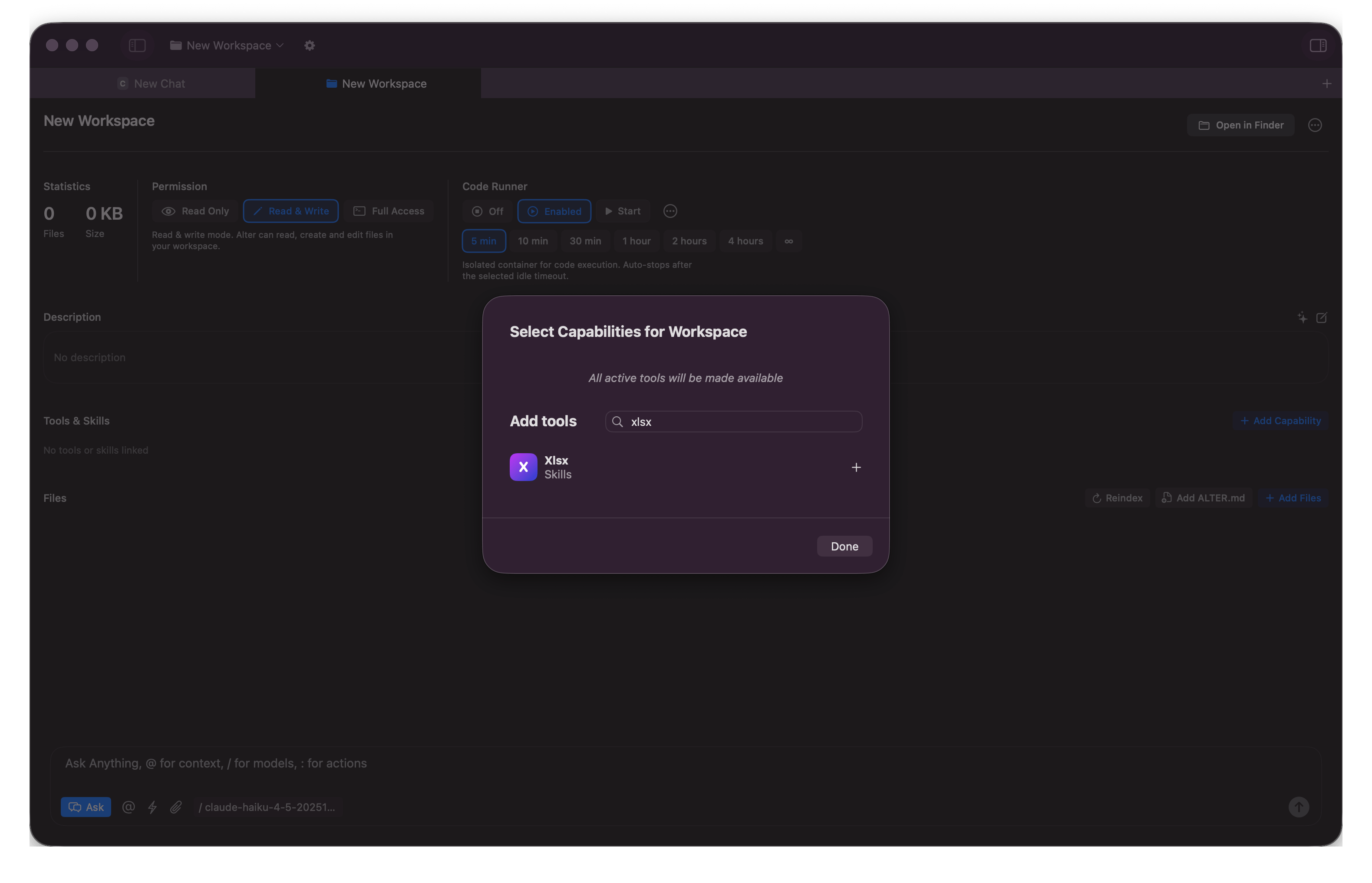
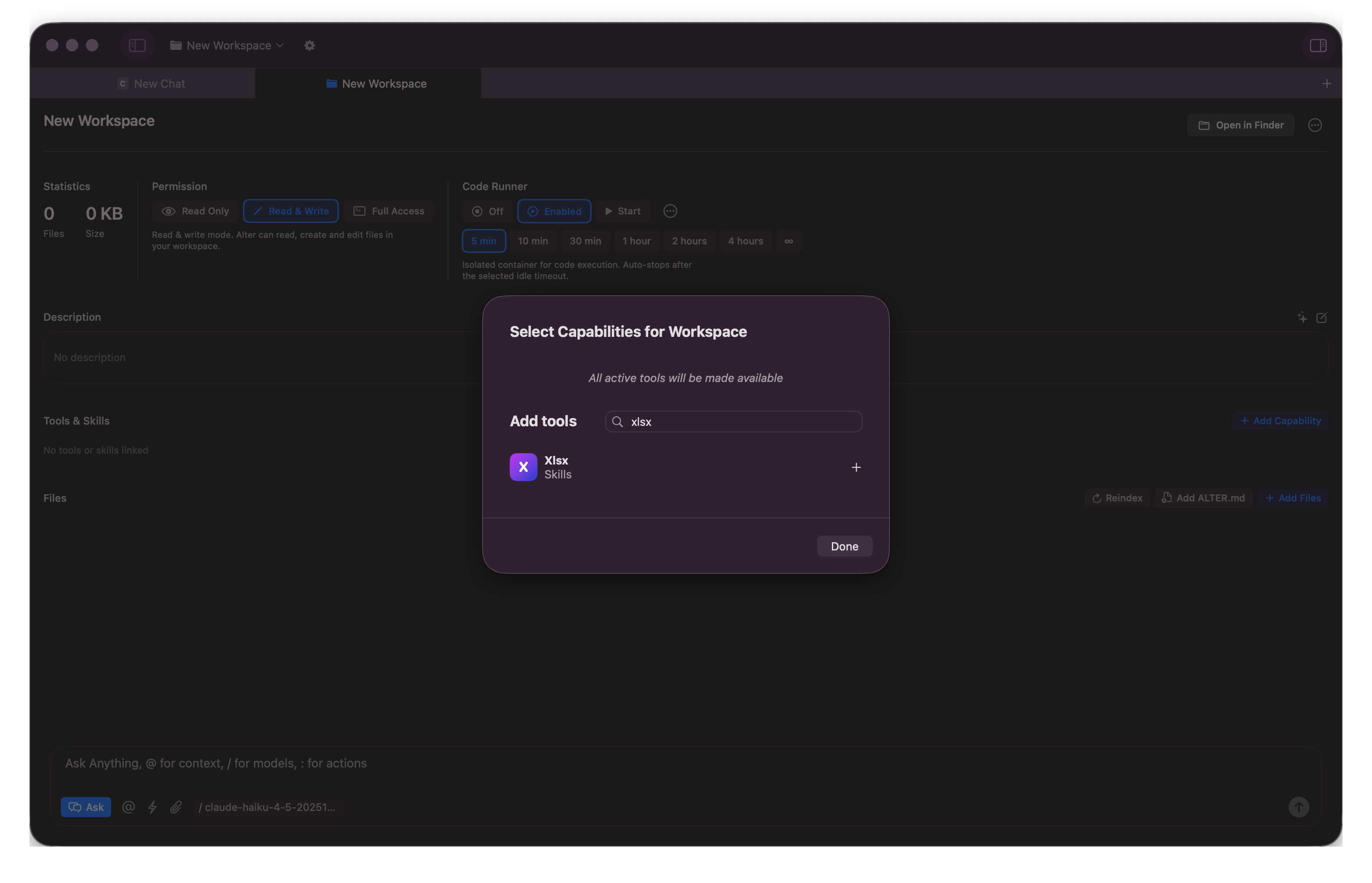
Add the Xlsx Skill
Ask: "Create a dashboard" or "Extract and analyze this data"
Alter builds the Excel file with formulas, charts, and structure intact
Download and use it anywhere
No Excel expertise needed. No manual data entry. No complex formulas to write.
What You Get
Automated dashboards with proper formatting
Multi-tab Excel files with linked data
Real-time calculations and summaries
Professional-grade financial analysis
Files you can share, edit, or build on
Use Cases
Finance teams — Auto-generate FX reports, budget tracking, cash flow analysis
Researchers — Extract data from PDFs into structured Excel analysis
Investors — Build investment thesis dashboards from company filings
Creators — Turn raw metrics into professional financial reports
The Real Power
Pair Excel Skills with Workspaces.
Example of prompt used where bank statement are stored:
Create an Excel personal finance dashboard from scratch using the transaction data in the Data folder (feb.csv, march.csv, april.csv).

Requirements:
* Currency: pounds (£)
* Raw data sheet: Import all transactions with all columns
* Dashboard sheet with:
* Key metrics: total income, expenses, net savings, savings rate
* Monthly summary table by category (Feb-Apr)
* Category breakdown with percentages
* Visual charts (pie expense distribution, line trend)
* Category analysis sheet: monthly breakdown with averages and trends
* Professional formatting, color-coding, and currency formatting
* Save as dashboard.xlsx in the Personal Finance folder root
What Excel use case should we solve?
Let us know how you use Excel, and what workflow should we built around!
Olivier & Samuel
Full Changelog
New Features & Enhancements
Excel Skill: Alter can now turn source documents and raw data into Excel files, dashboards, and analysis through a simple chat workflow.
Voice Processing: Updated Argmax to latest version.
Bug Fixes & Stability
Transcript Recovery: Reworked transcripts to be recoverable and reindexable.
Recording Reliability: Fixed first-recording startup issues, improved recovery from screen recording interruption, and fail fast when Whisper models cannot load.
Audio & Dictation: Fixed voice processor selection issues, better error handling when loading transcription mdoels, enabled cloud dictation on the trial plan, and resolved dictation stop/copy-paste race conditions.
Chat & Editor UX: Fixed long tool-call URL overflow in chat, preserved new lines when copying code blocks, and restored the missing YouTube transcript icon in the context strip.