Share your AI chats
Shareable Alter sessions, including the full context and assets.


Samuel ROY & Olivier Legris
September 18, 2026

Hey everyone,
You can now share a full Alter session online.
Perfect for sharing with friends, colleagues, or family your full process and sharing best practices.
The demo
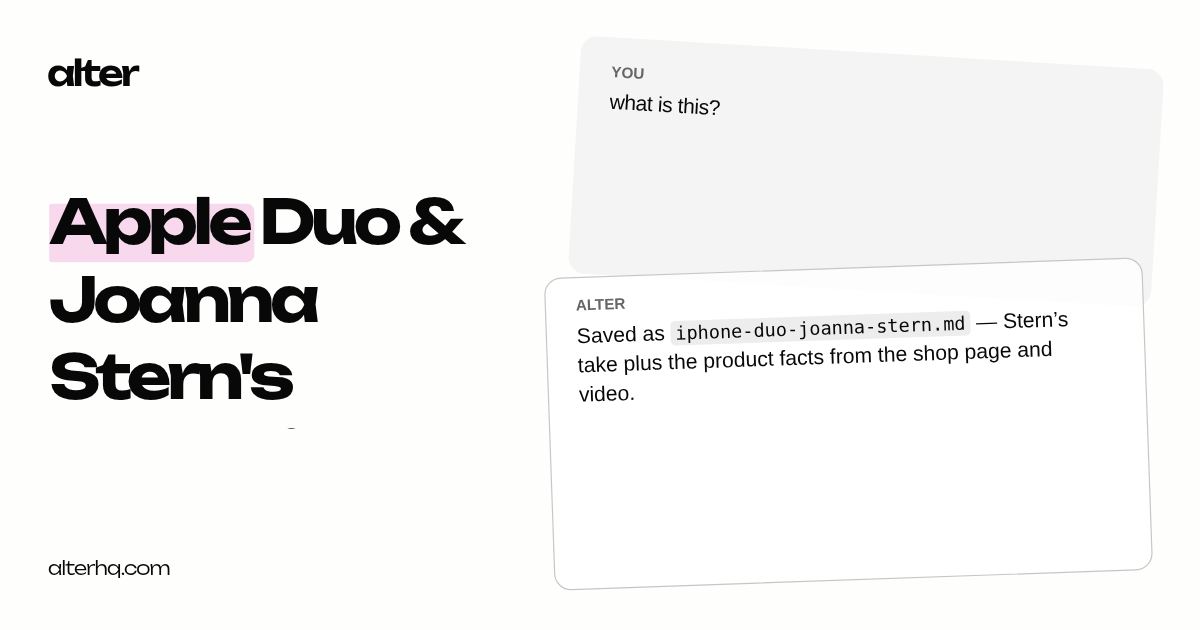
In the demo below, I research the iPhone Duo across Apple’s site, X, and a YouTube transcript, then turn everything into a synthesis document.
After that, I share the whole session with one click.
Share the session, not just the chat
When the work is done, go back to the Hub, right-click the session in the left panel, and click Share. Alter creates an online version of that session.
This is different from exporting a markdown file. The shared page includes the full discussion and the full context that produced it.
Context and files included
If you created assets during the session, they are available to download from the shared page.
In the demo, that means someone else can open the research thread, see the sources, and download the synthesis document without reconstructing the work.
Use cases
Process showcase / personal brand: publish how you work with your AI on LinkedIn, Twitter, or a portfolio, a credibility asset that pairs with the final output.
Community teaching: share the full reasoning trail behind an answer or how-to, so members can see the process, not just the answer.
Troubleshooting / support: share a session with full context instead of a screenshot when something goes wrong,.
Proof of work: a timestamped, traceable trail showing the conversation actually happened. Useful for verification, auditability, or demonstrating that a result came from real, deliberate effort.
More on Share here
Cheers,
Sam & Olivier
Full Changelog
New Features & Enhancements
Conversation sharing: Share any chat as a public link so others can read the full discussion without needing Alter installed.
Share menu: Copy, update, or remove an existing share from the discussion menu, handy when a thread evolves and you want collaborators on the latest version.
Hub transcript controls: Regenerate title, summary, or both directly from the Hub transcript view.
Bug Fixes & Stability
Hub switchers: Hidden switchers are recovered correctly after transcript corrections.
Actions: Unused user parameters are ignored to avoid spurious validation errors.