Youtube, Obsidian and PDF now supported by Alter Citation
The best way to consume hour long video podcasts!
Hey everyone,
This week, we're expanding citation to YouTube, PDF, and Obsidian, so every claim links back to the exact source.
YouTube citations
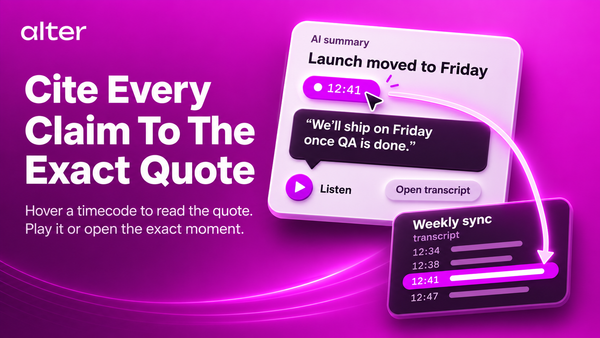
When Alter summarizes a video, every claim now includes a timestamp.
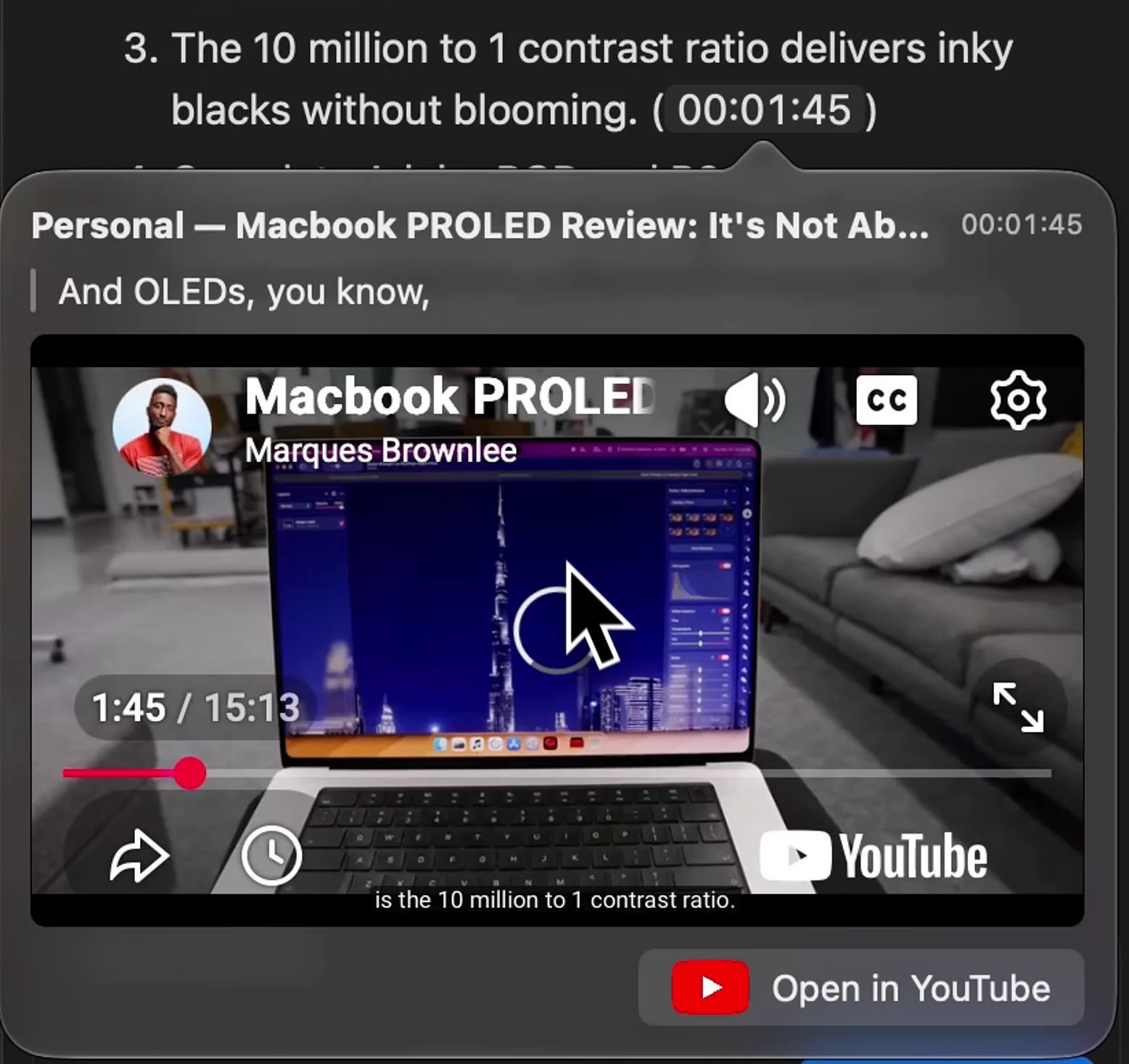
Click it to launch a mini video player right at that moment, or open YouTube directly at the same time code.
PDF citations
Attach a PDF and Alter shows the exact line where the information lives.
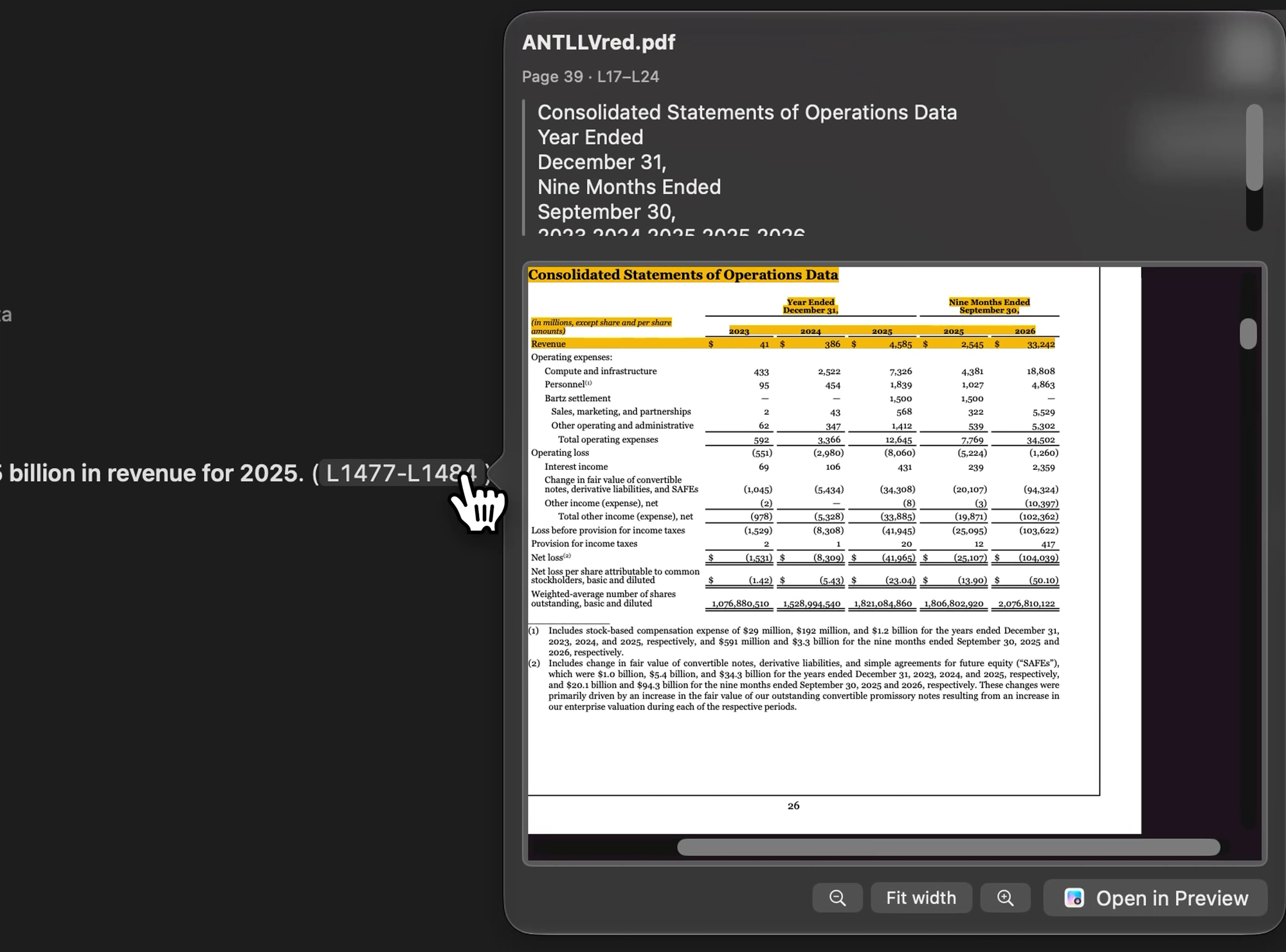
Click it to see the page and a preview in context, zoom in, zoom out, or open the full PDF.
Obsidian citations
If you have a vault attached to a workspace, we pinpoint the exact paragraph and can open Obsidian straight to that note.
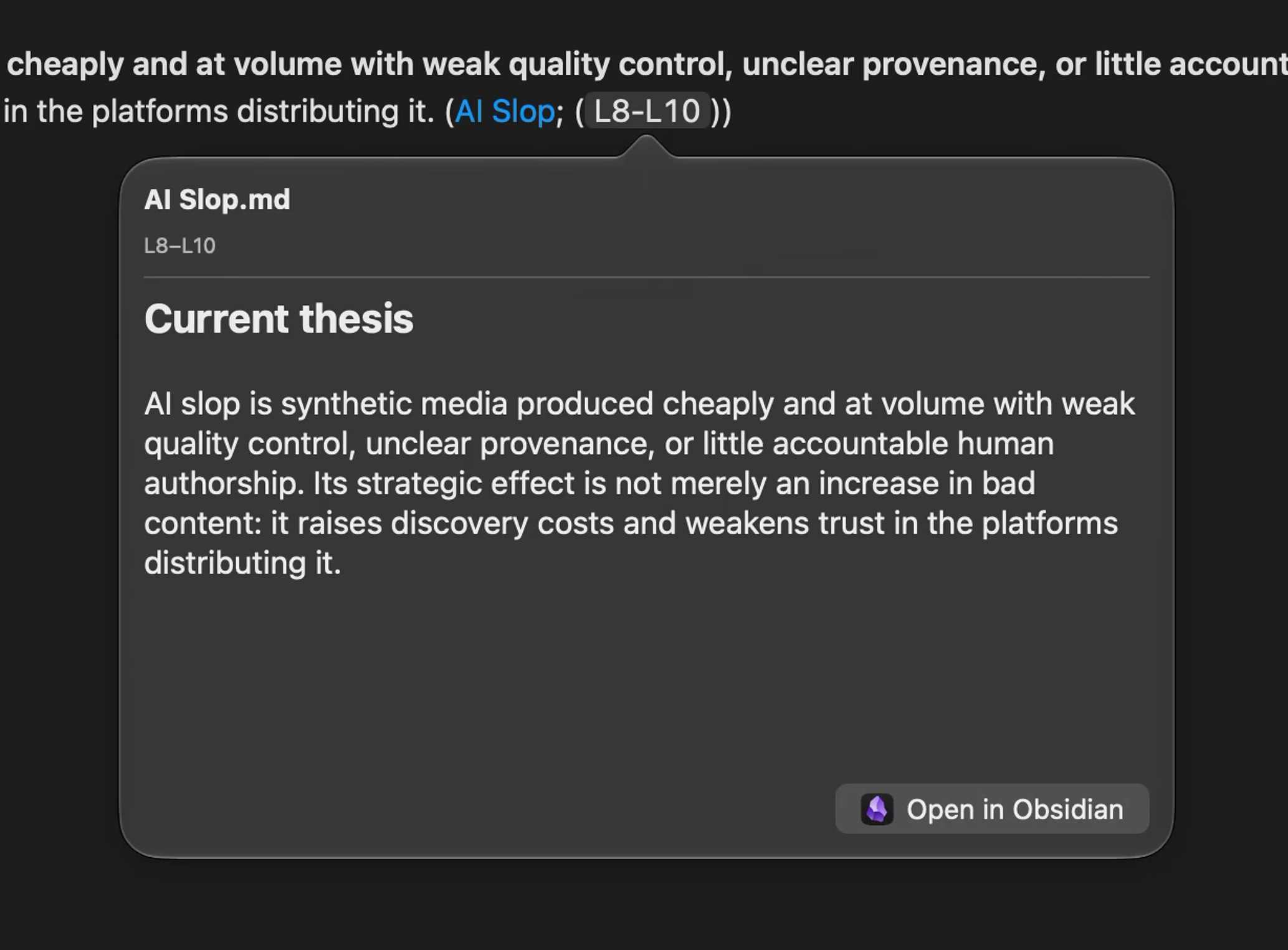
Whether you're working with video, documents, or notes, the source behind a claim is just a click away.
Cheers,
Sam & Olivier
Full Changelog
New Features & Enhancements
- YouTube citations: Hover over a cited timestamp to read the transcript excerpt and play the video from that moment in Hub or QuickHub.
- Workspace document citations: Preview the cited PDF page or Markdown passage, then open the source. Obsidian notes can open at the cited heading or block when available.
- Speaker review: Review suggested names and resolve conflicting matches in one flow across transcript views. Audio attachments can open the review automatically after transcription. Apply names together and choose which voices Alter should remember.
- Custom OpenAI endpoints: Endpoints configured with the OpenAI provider now use the Responses API. API keys with restricted permissions need access to Responses.
- New models: Gemini 4 Hydrogen and Gemini 4 Argon.
Bug Fixes & Stability
- Queued follow-ups: Messages resume after switching conversation modes or reopening chats with unfinished tool calls. Inactive tabs stay available while work is queued or running.
- Draft attachments: Open the Hub inspector to review attached context before sending the first message.
- Transcript processing: Use supported reasoning settings when generating metadata. Preserve saved transcripts and metadata if a later Markdown export or speaker indexing step fails, and report which step failed.
- Model compatibility: Improve reasoning options for supported GPT-6 models and keep the model catalog usable when image support is unknown.