Manage voiceprints in Alter
Review saved voices, clean up duplicates, and do more with the apps already on your Mac.
Hey everyone,
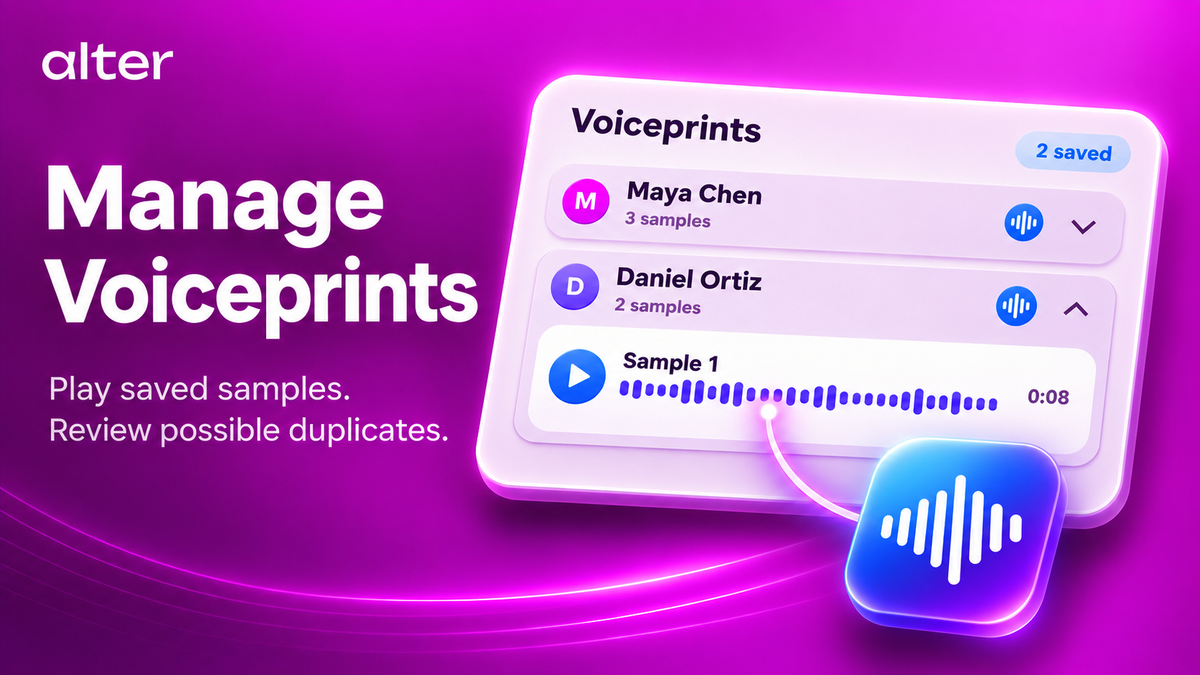
This week, we’re giving saved voices a home in Alter.
You can listen to the samples Alter uses to recognize people, review possible duplicates, and decide which voices to keep.
We’ve also expanded what Alter can do with your Mac apps, from finding a recent note to getting its follow-ups into Reminders.
Put a name to the voice
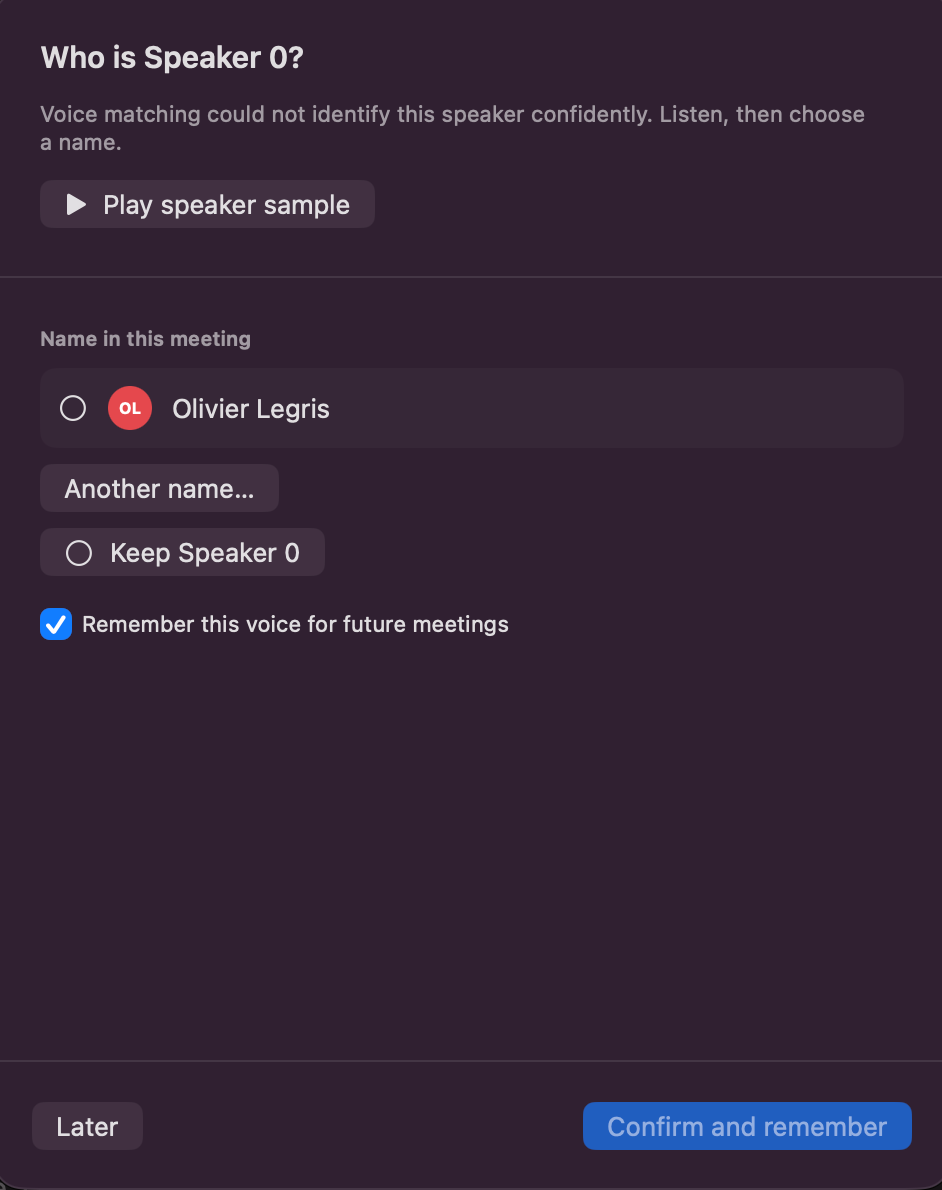
After the transcription is done, if Alter is unsure who the speaker is, it will now automatically offer the option to check a speaker sample to confirm the speaker identification.
Manage the voices Alter remembers
Open Settings → Voice → Manage Voiceprints, or click the gear next to the speaker list in a transcript to open the new Voiceprints management window.
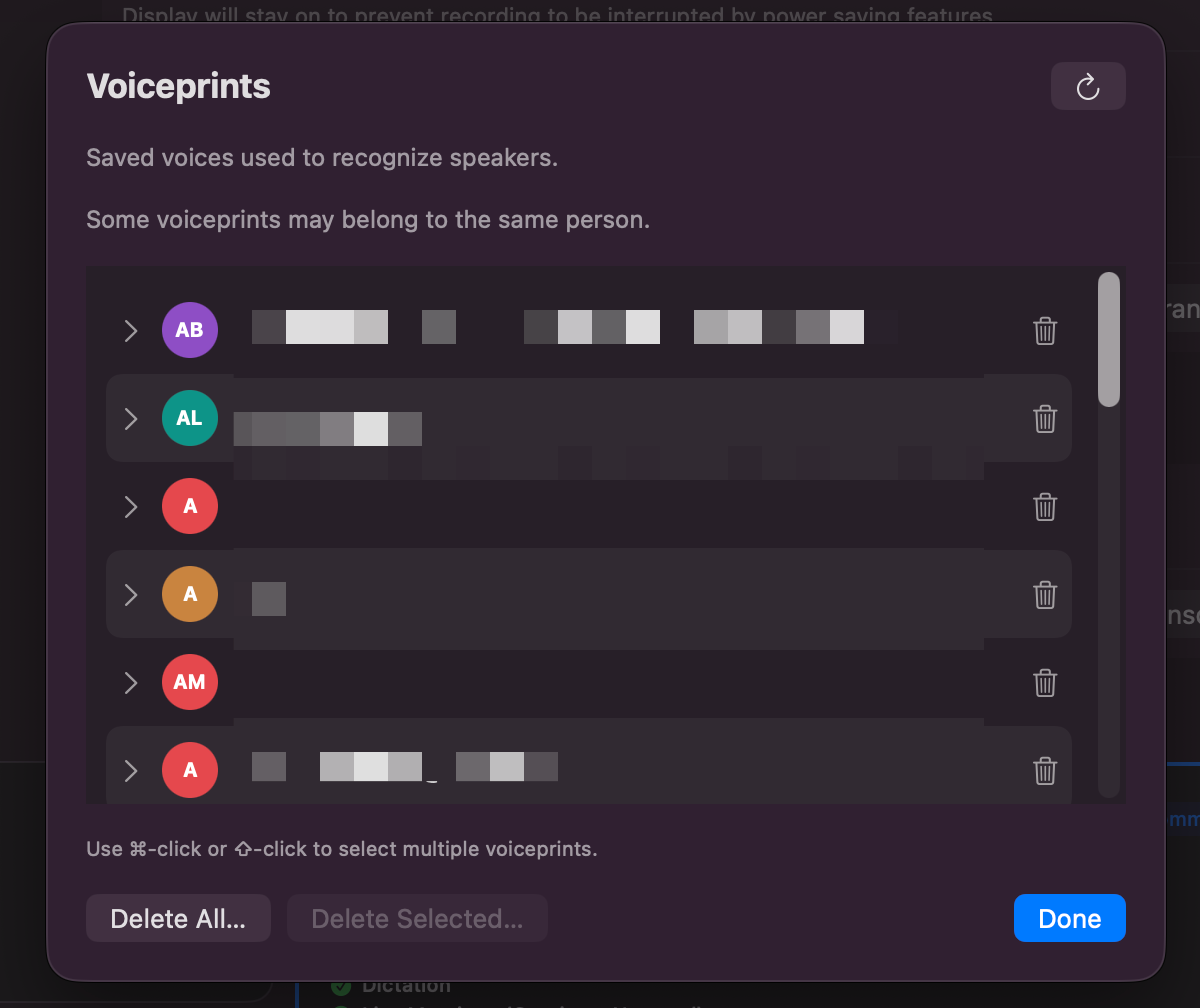
Expand a profile to listen to its saved samples. You can remove a sample or delete a saved voice from here.
Saved voiceprints always stay on your Mac and never reaches our servers.
Get more done with your Mac apps
We introducing a new bunch of tools for your native apps, allowing you to do even more locally.
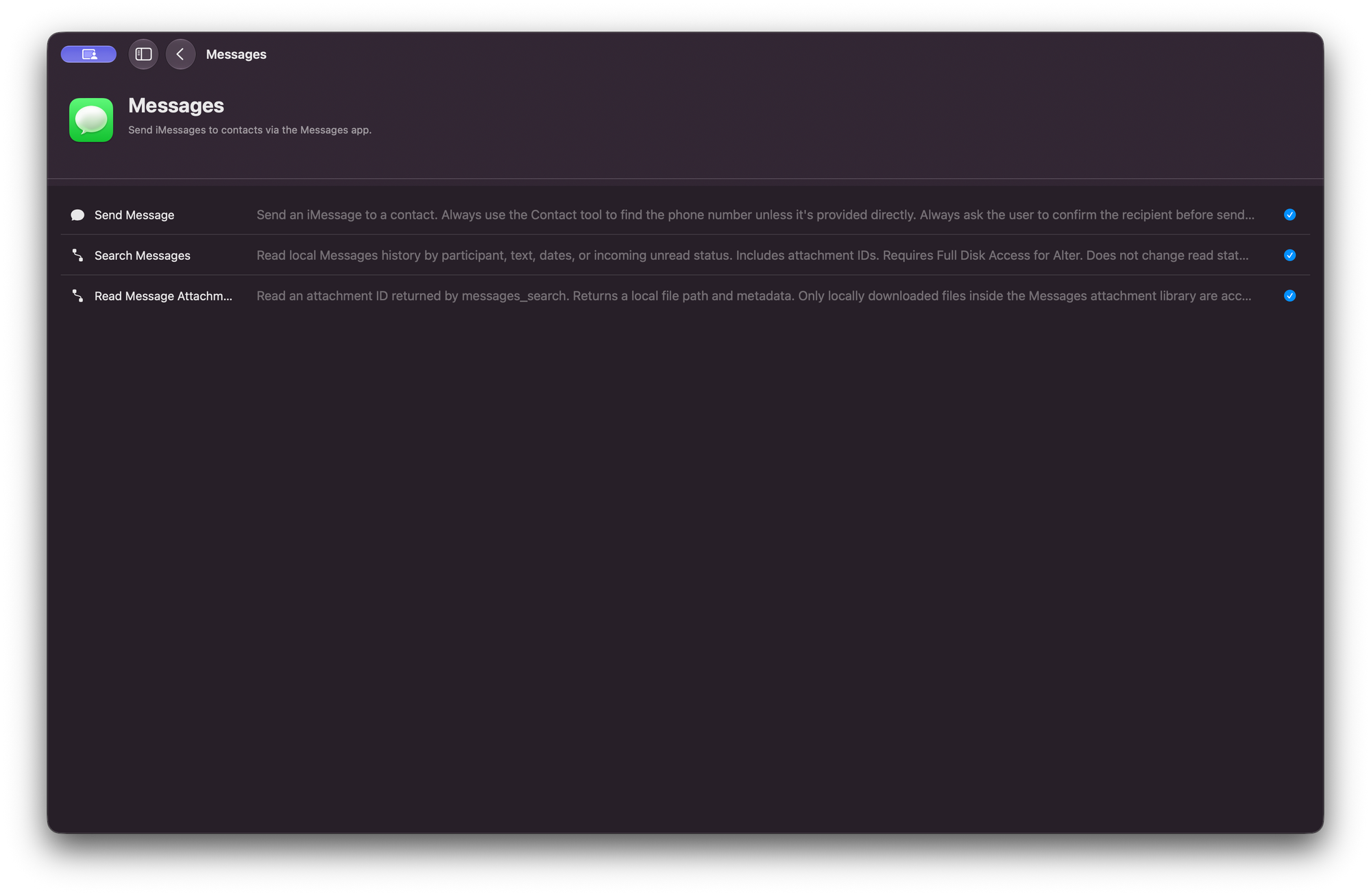
Turn client notes into follow-ups. After a call, find the notes you edited this week, pull out what you agreed to do, and review the list before adding it to Reminders.
Find the launch notes I edited this week in Apple Notes. Pull out the follow-ups I own and show them to me. Once I confirm, add them to my Launch list in Reminders.
Find the dinner plan buried in Messages. Search by keyword and date, then use the address from the thread to find the venue in Maps.
Search Messages for “dinner” from the last two weeks. Find the plan for Thursday, tell me what time we agreed on, and look up the address from the thread in Apple Maps.
Run a shortcut you already use. If you have an Apple shortcut that formats client updates, Alter can check what input it accepts, run it on your rough notes, and bring the result back into the chat.
Run my Client Update shortcut on this text and show me the result.
To try these, enable the apps you want to use in Tools Manager → Local Tools.
See you next week
Cheers,
Sam & Olivier
Full Changelog
New Features & Enhancements
- Native macOS tools. Search Apple Mail by sender, subject, mailbox, date, or read status. Search Messages by participant, text, or date and open attachments already downloaded to your Mac. Messages access requires Full Disk Access. Alter can also look up your Me card in Contacts, look up addresses or coordinates with Maps, and rename or delete Reminders lists.
- Calendar and Shortcuts. Add attendees and FaceTime links when creating or updating Calendar events. Browse your Mac shortcuts, inspect their inputs before running them, and pass text or local files.
- Voiceprint management. Open Manage Voiceprints from the transcript header or Voice settings. Expand a saved voice to play or delete individual samples, double-click a name to rename a voice, and see which voices are linked to Apple Contacts. Rename is available for voices without a linked contact.
- Duplicate voiceprints. Listen to both saved voices before combining them under one name. Choose Not the same person to dismiss the suggestion and have Alter remember your decision.
- Conversation workspaces. Press ⌘K and choose Select Workspace in Hub or QuickHub to set the workspace before sending the first message or move an existing conversation.
Bug Fixes & Stability
- Notes and Reminders. Fix Apple Notes searches by date and verify that changes to reminders and reminder lists were saved.
- Speaker identification. Improve matching against Apple Contacts and meeting attendees. Recognize the same person across separate parts of a recording when the evidence supports it, and ask for confirmation less often on strong matches.
- Transcription and recording. Keep passages from unidentified speakers in transcripts, show clearer errors when audio preparation fails, and improve system audio capture with Bluetooth devices.
- Chat. Keep removed attachments and context out of later messages, and scroll to new messages as they arrive.
- YouTube. Improve transcript retrieval when the first attempt fails.
- Conversation metadata. Preserve the context sent to Codex when generating metadata and use reasoning settings supported by the selected model.